 Adam McIntyre
Roll up banners let your clients roll out the red carpet for any product or service. For starters, they're easy to carry around and even easier to set up near areas with plenty of foot traffic. Moreover, their tall height makes them easier for passersby to see. Last, but not least, they're more affordable to print and deploy than other types of banners.
If you're reading this, then your client needs a retractable banner for their business. Lucky for you, we've rounded up our favorite InDesign roll up banners. We only chose premium INDD templates to ensure the utmost quality for designers. Each premium pick gives you everything needed to create roll up banners in record time.
Why use Adobe InDesign Roll Up Banner Templates?
Adobe InDesign makes it easier to complete projects without bogging down your workflow. In fact, all you'll need is an INDD file to get started.
Each vertical banner INDD file comes with everything you'll need for your project. Simply download one, open the file, make your changes, and save. Each file comes print-ready, saving you plenty of hassle.
Here the Best Roll Up Banner Templates for Adobe InDesign
1. Roll Up Banner with Flexible Corporate Business Style
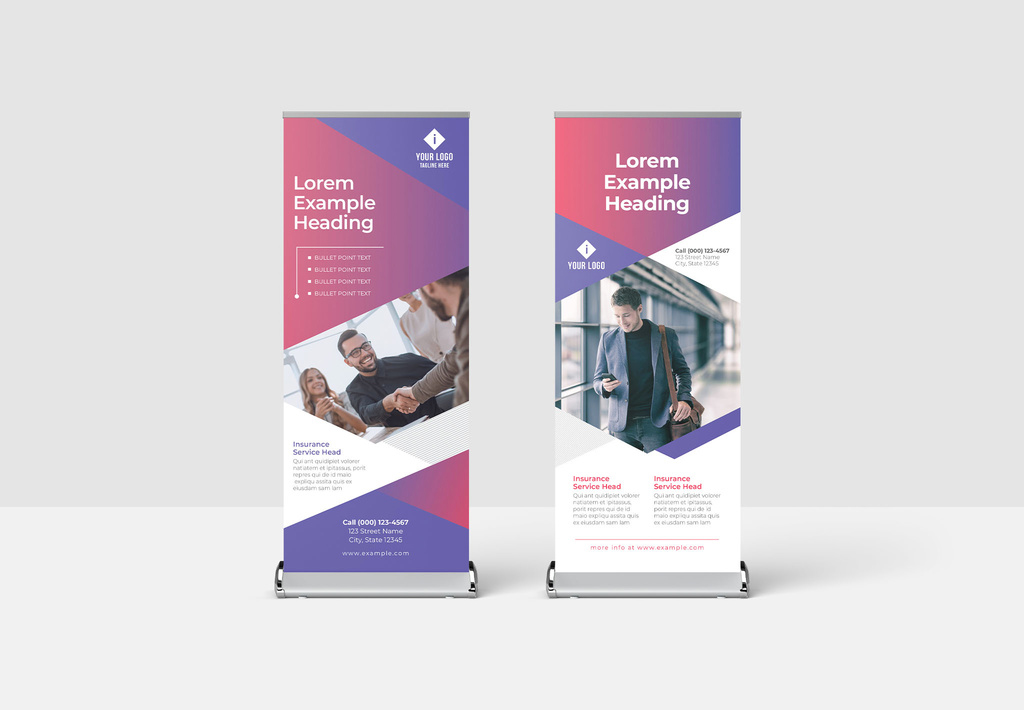
2. Roll-Up Banner Layout with Yellow Gradient Triangle Elements
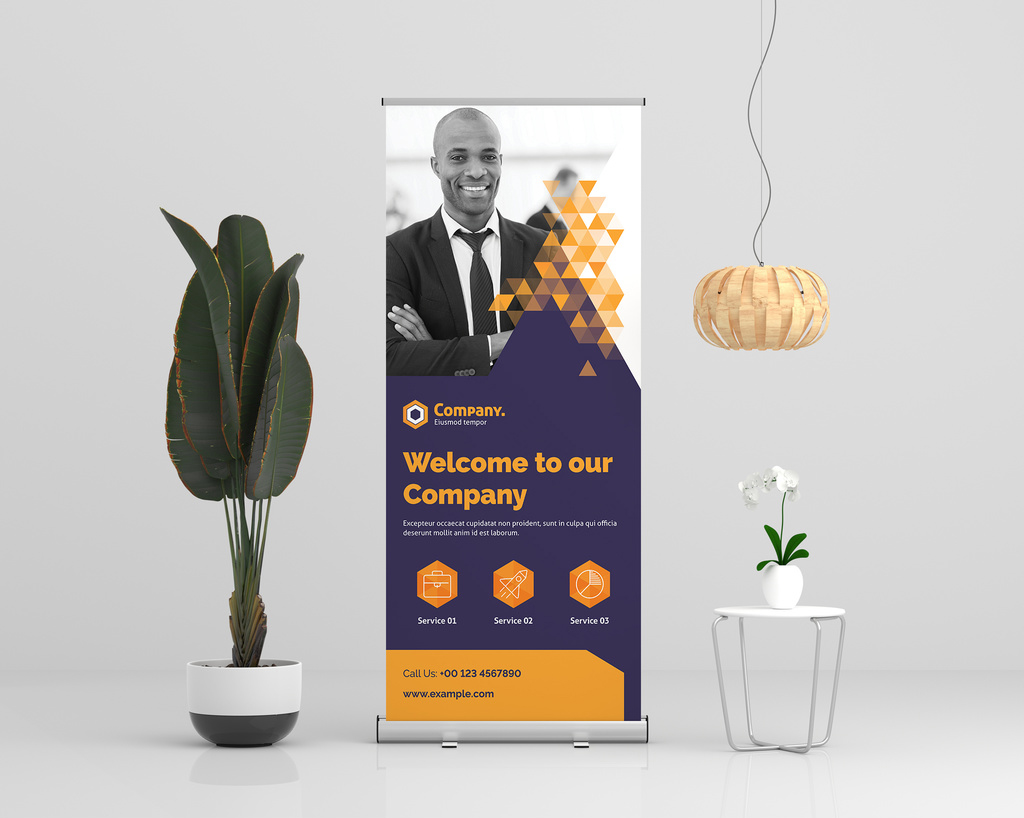
3. Light Gray and Red Roll-Up Banner Layout
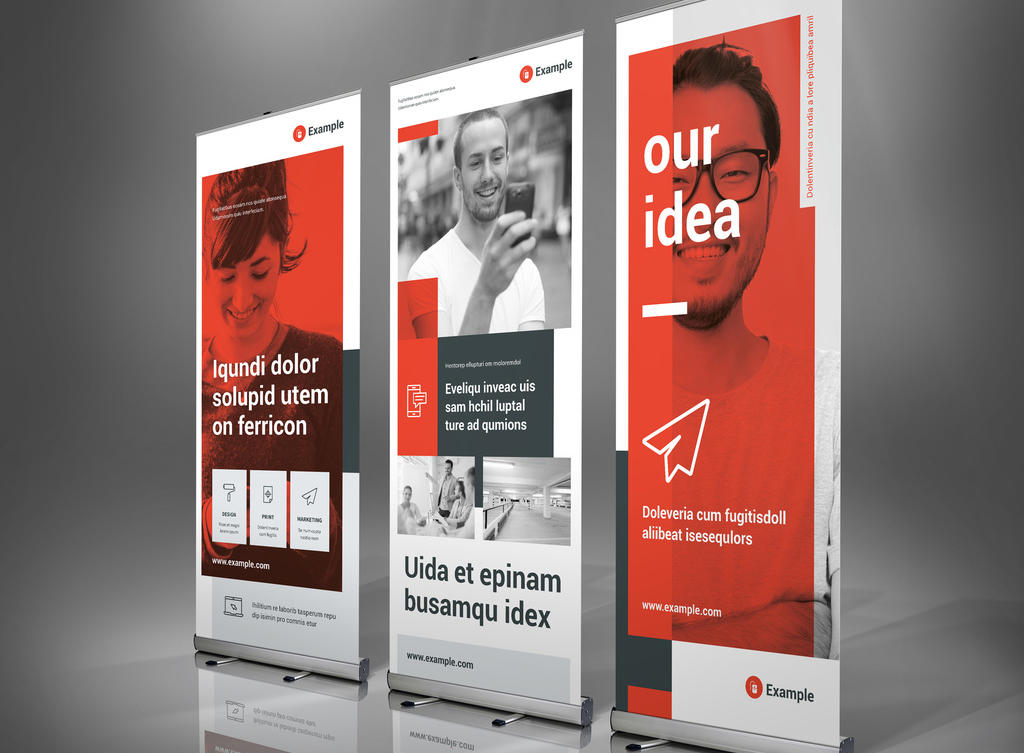
4. Roll Up Business Banner with Green Lines
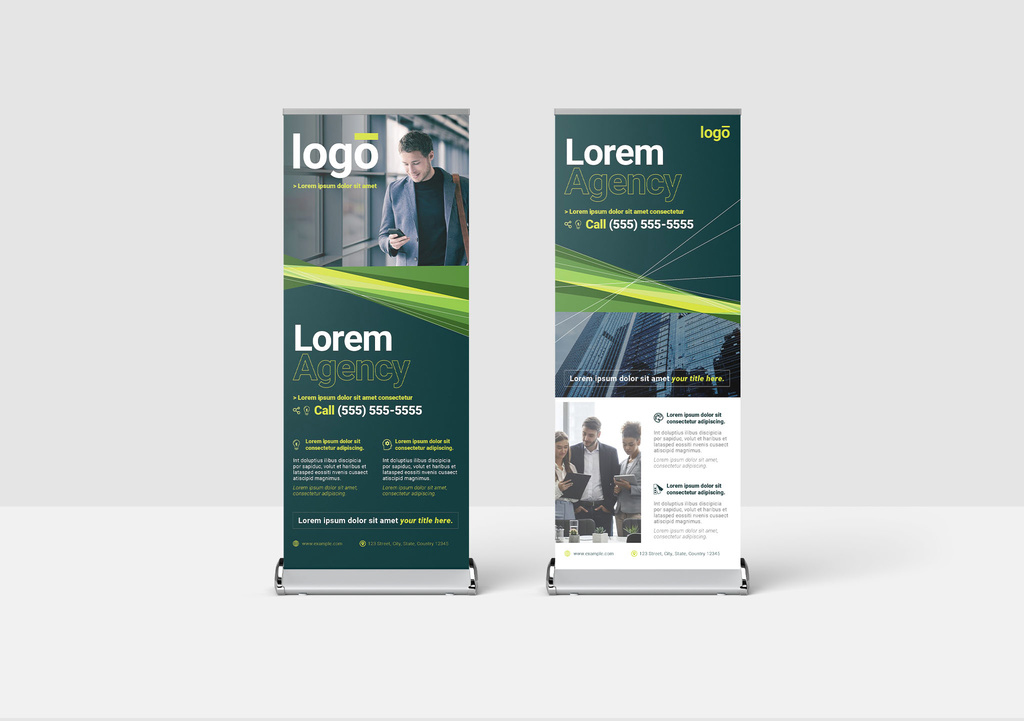
5. Roll-up Banner Layout in White and Blue
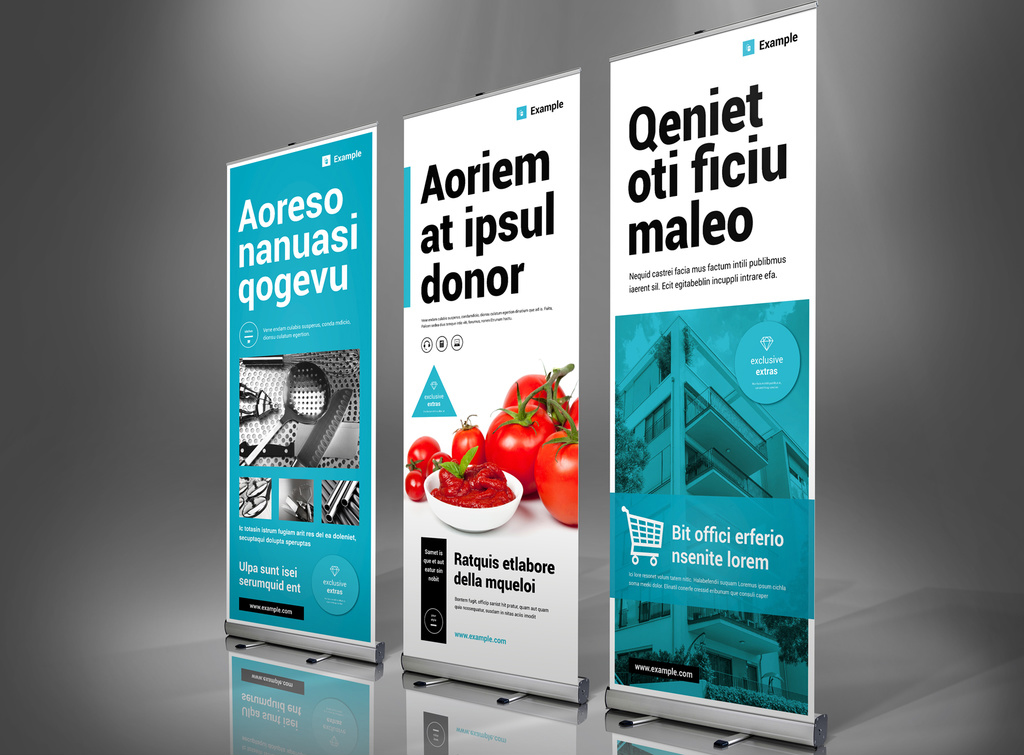
6. Red Roll Up Banner for Construction Professionals and Building Services
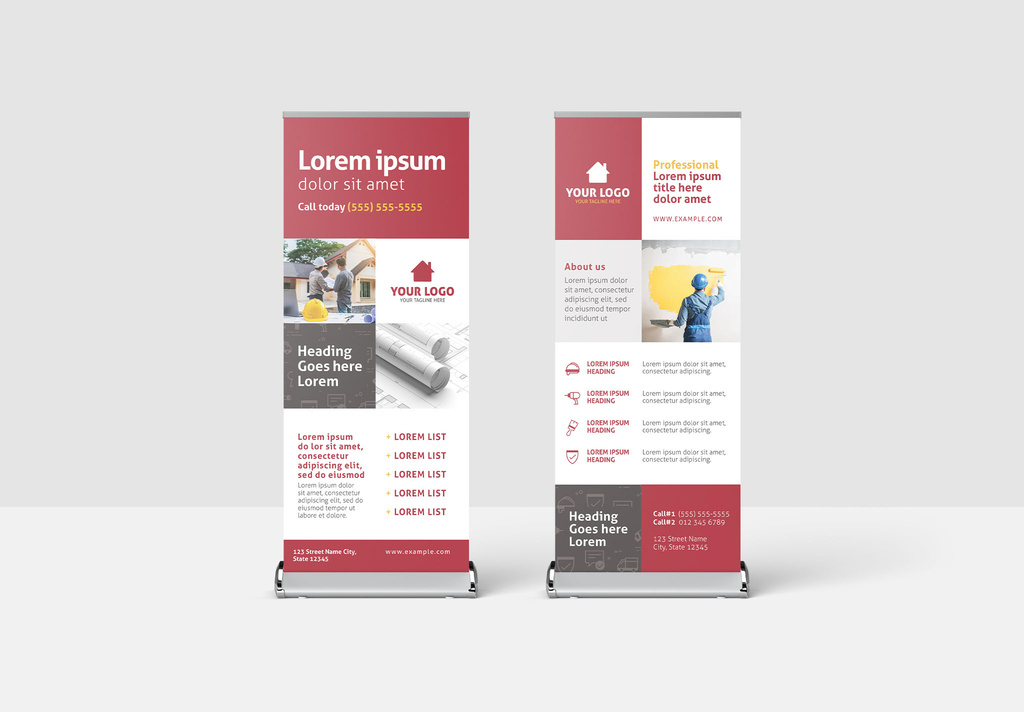
7. Church Charity Non-Profit Event Roll Up Banner Layout
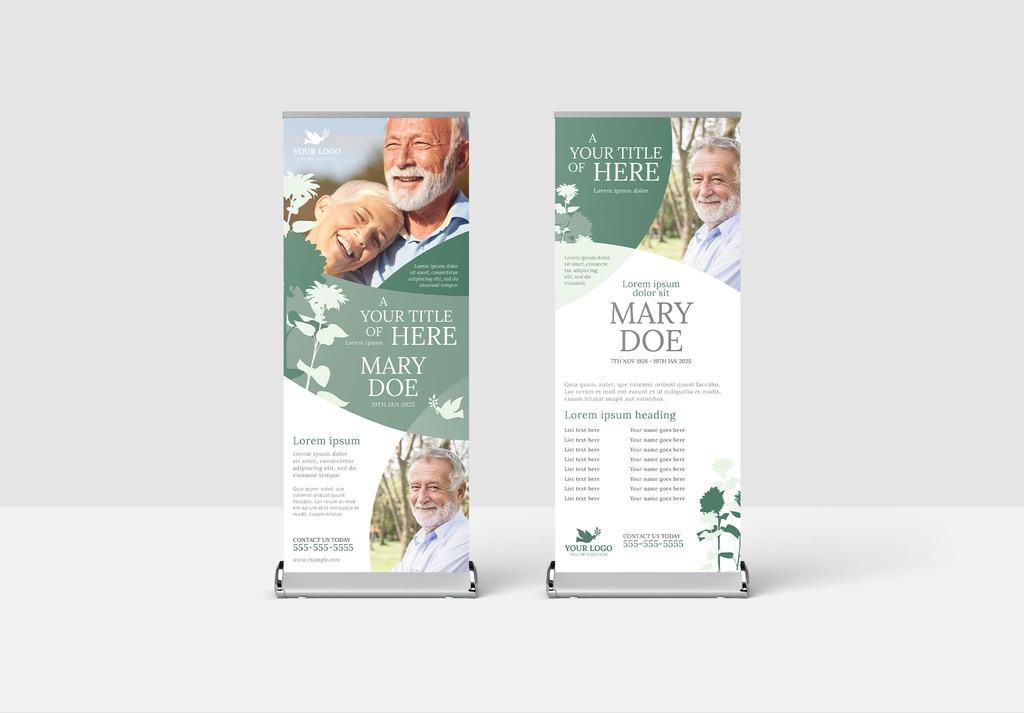
8. Modern Corporate Banner with Colorful Geometric Pattern
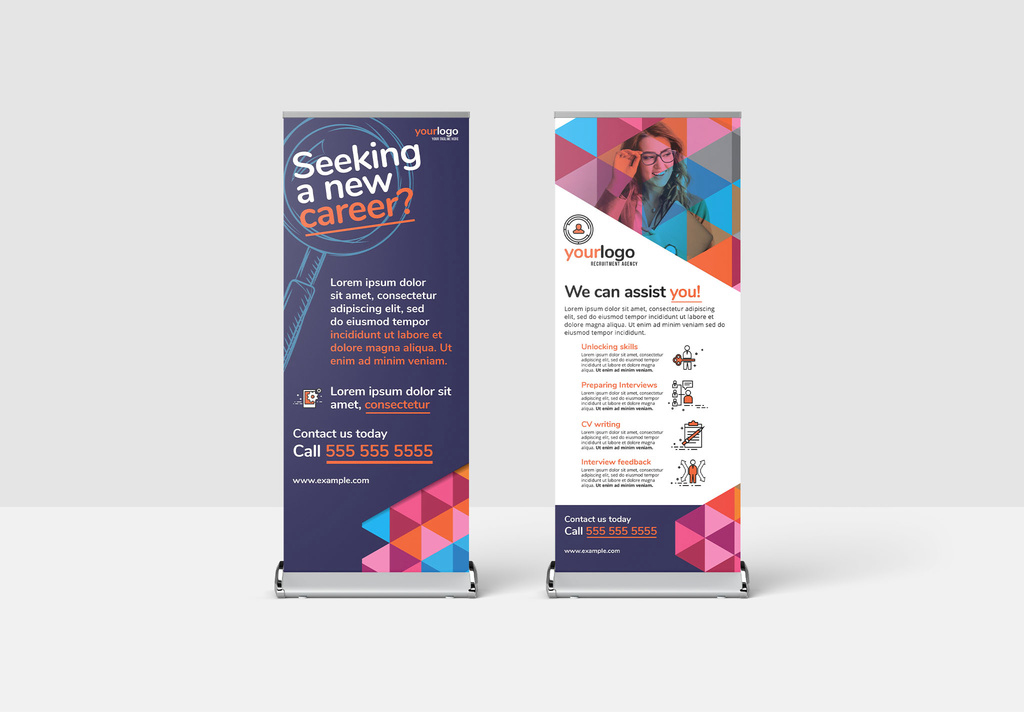
9. Roll Up Banner for Hotel Travel and Tourism Sector
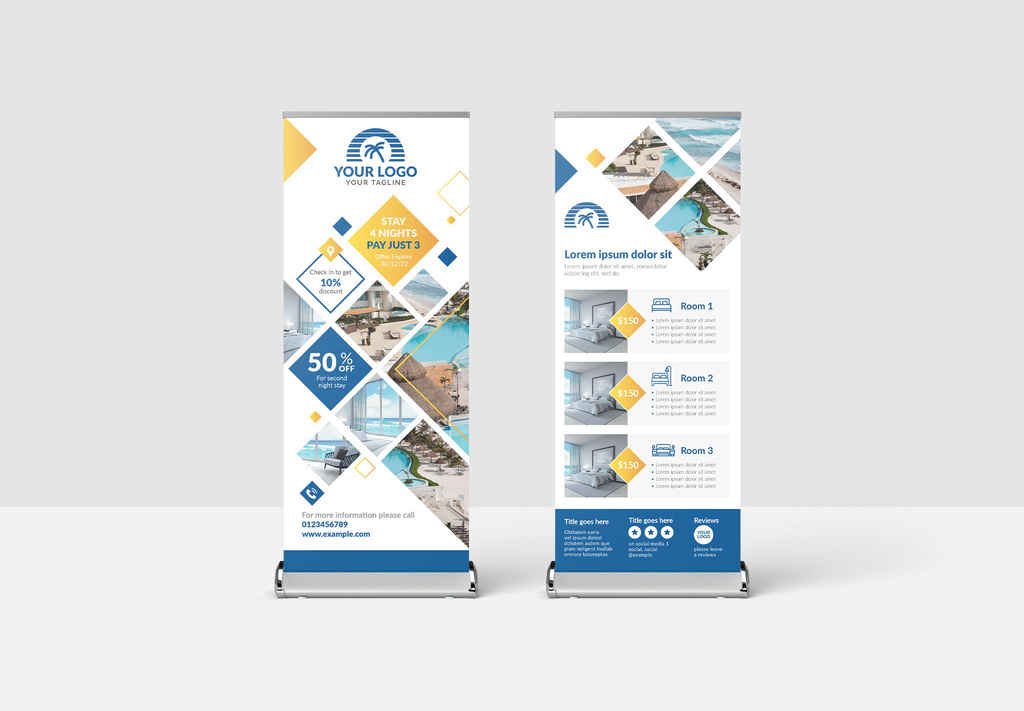
10. Modern Roll Up Banner with Hexagonal Layout
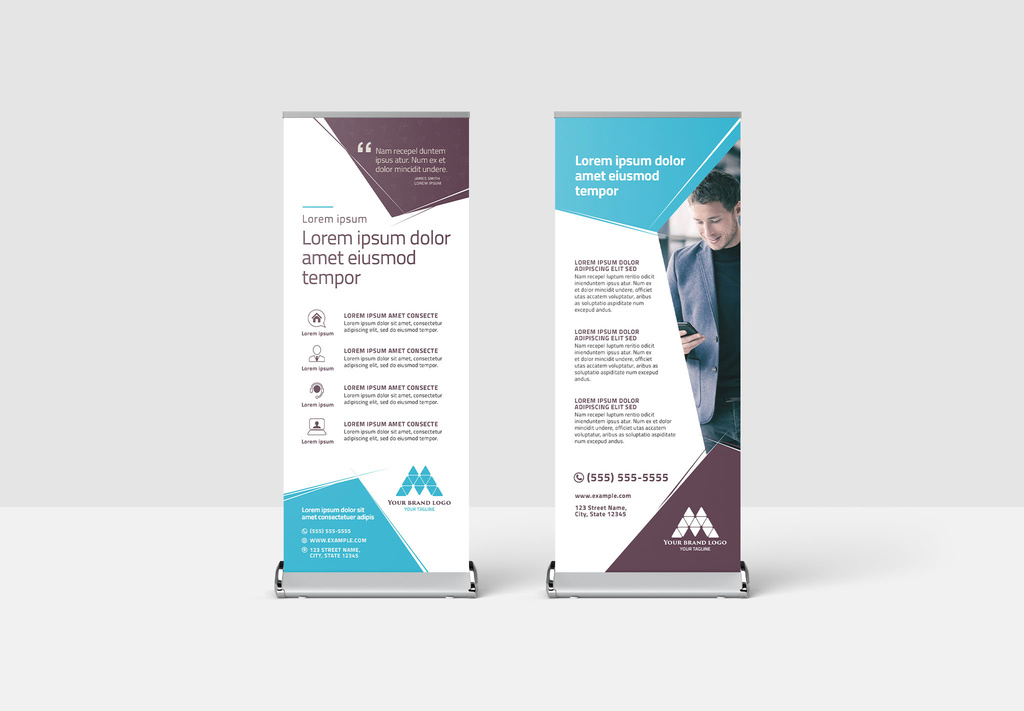
11. Beige Roll-up Banner Layout with Yellow Accents
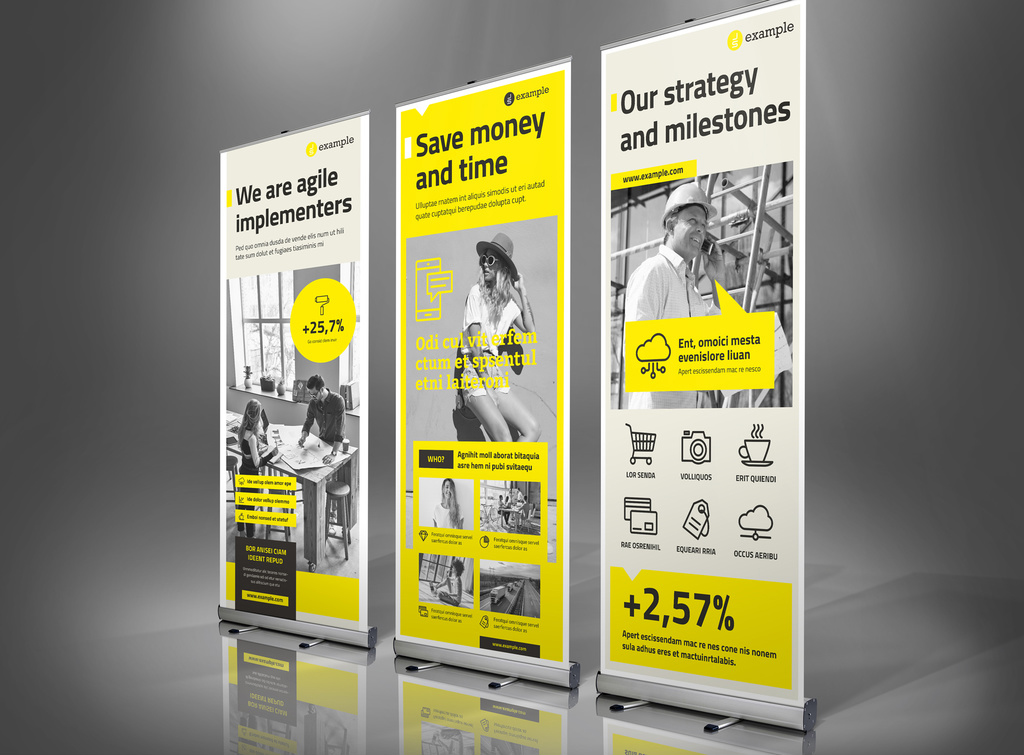
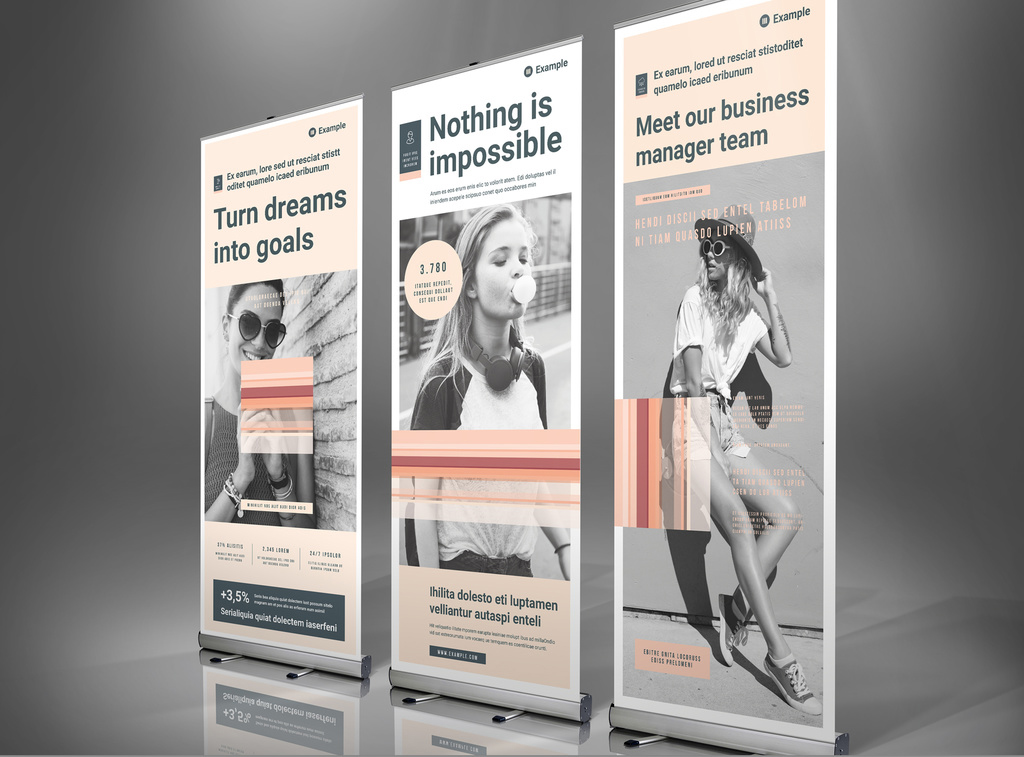
12. Roll-Up Banner Template with Pale Peach Accents
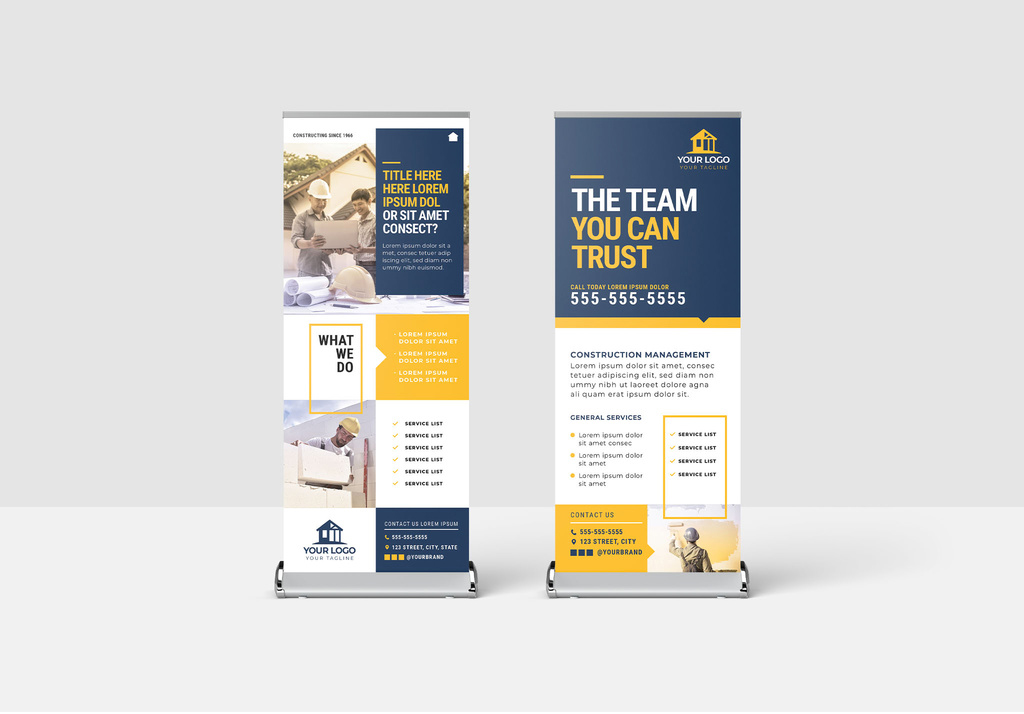
13. Roll Up Banner with Construction Theme
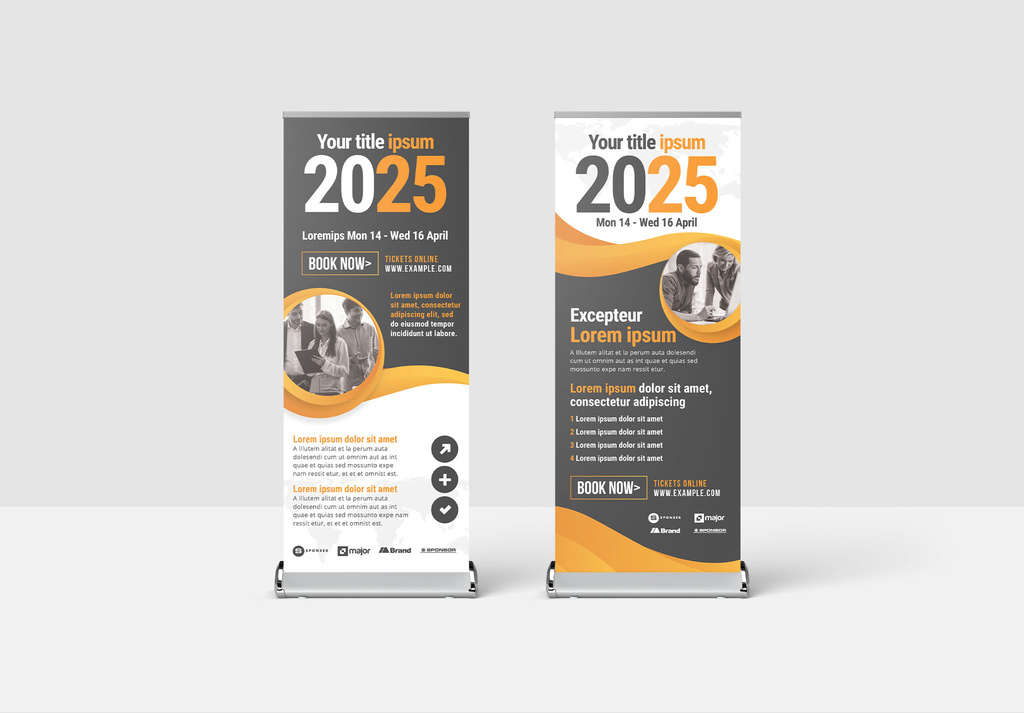
14. Marketing Roll Up Banner for Business Events and Corporate Seminars
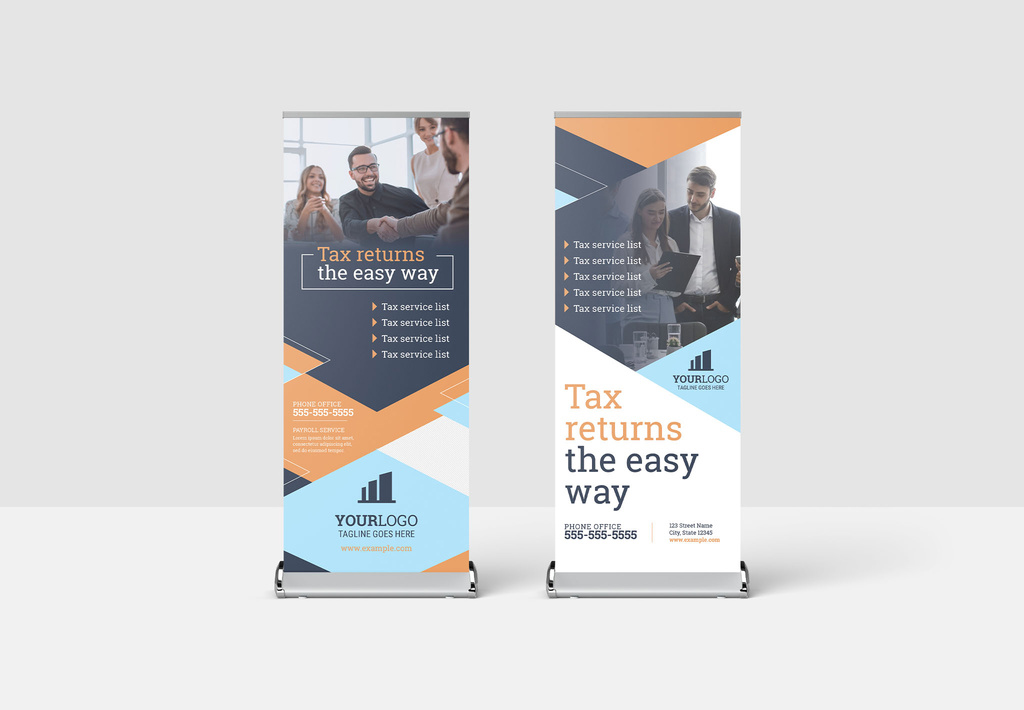
15. Modern Roll Up Banner for Tax Accounting Financial Service
16. Roll Up Banner for Corporate Event Business Conference Seminar
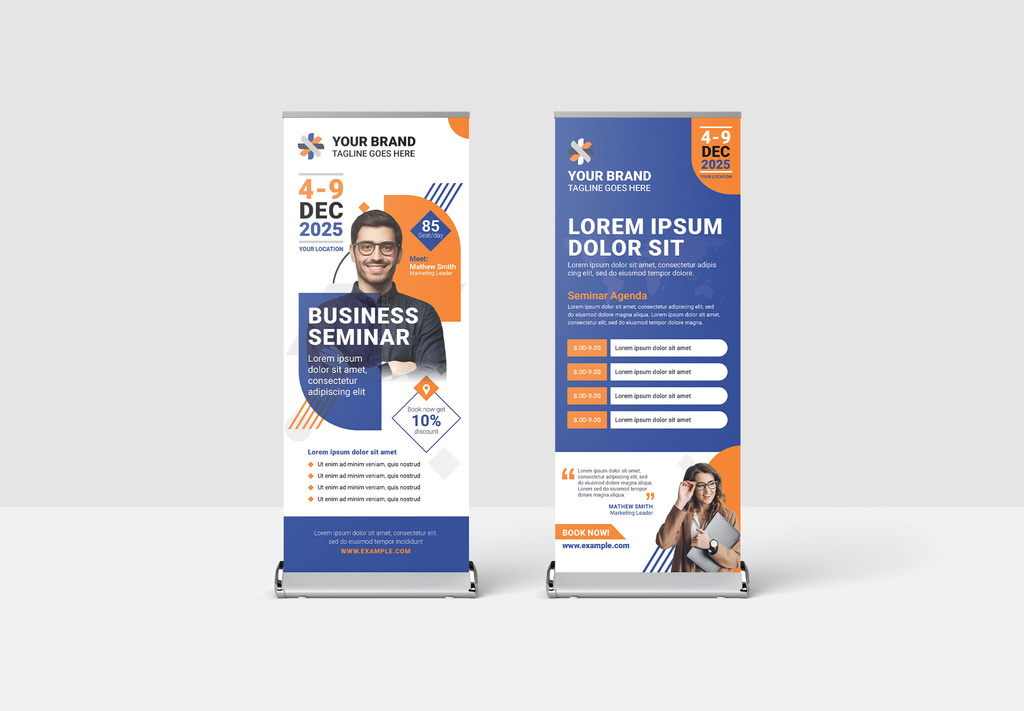
17. Vertical Banner Advertisement Layout with Purple Gradient
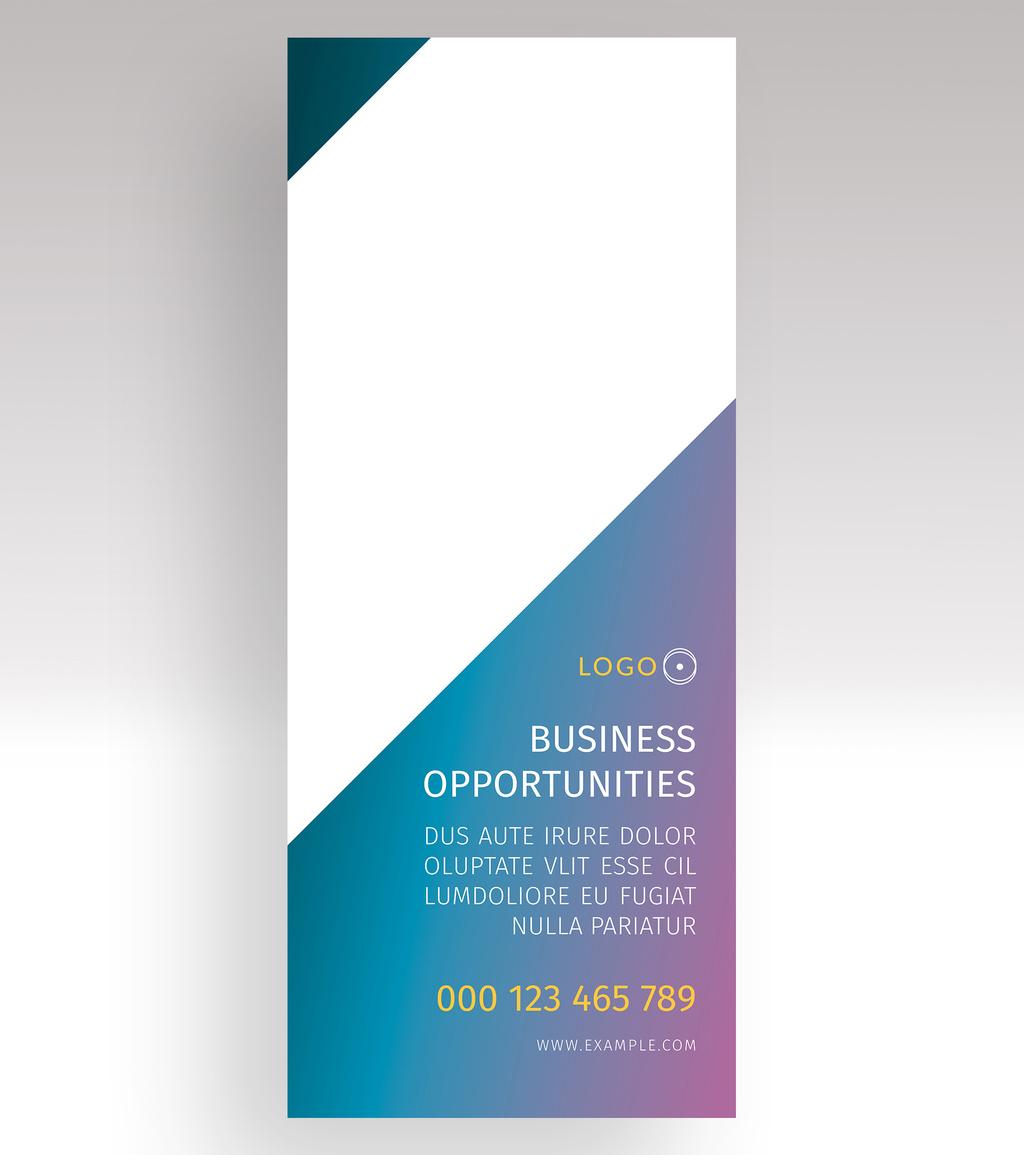
18. Roll Up Layout with Blue and Green City Accents
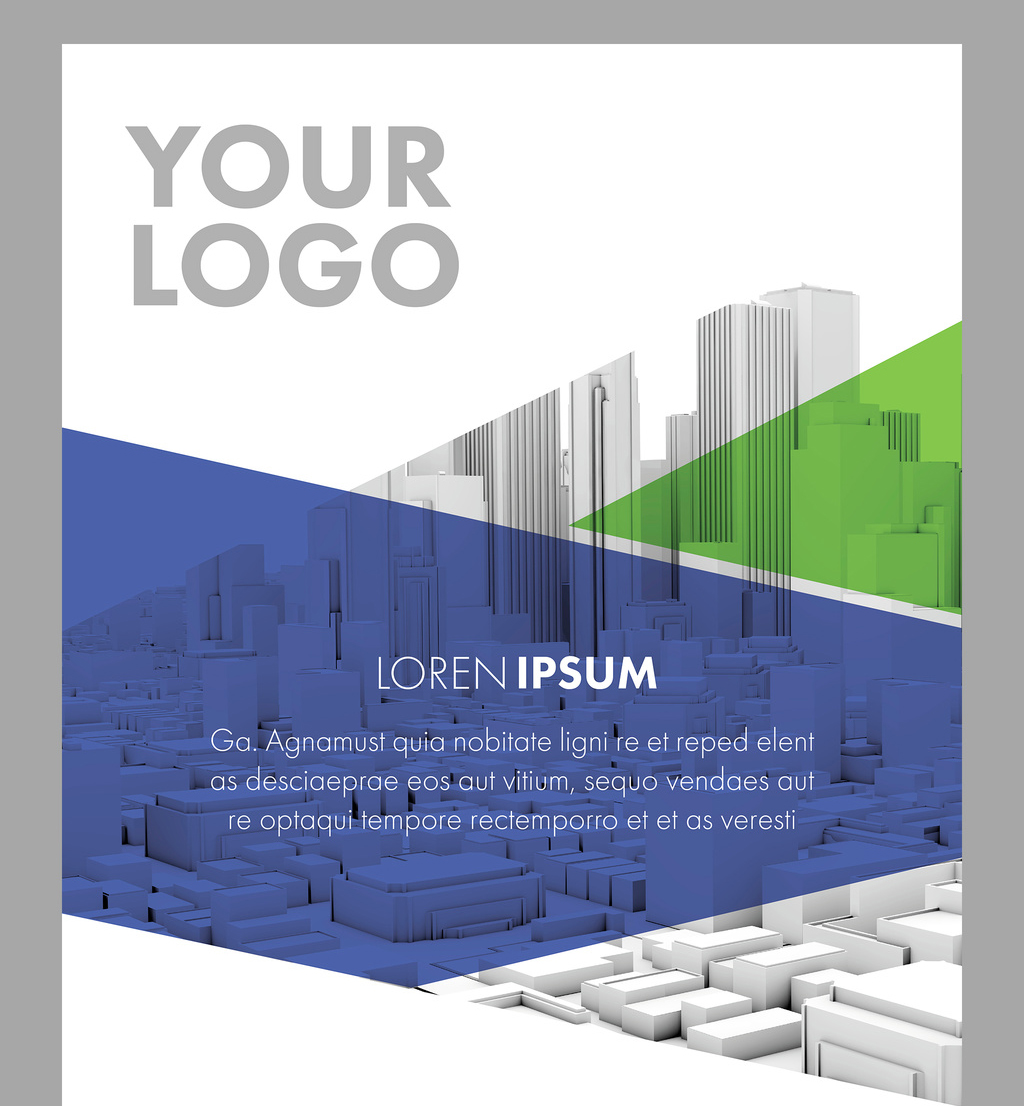
19. Roll-Up Banner Template in Pale Olive with Pale Red Accents
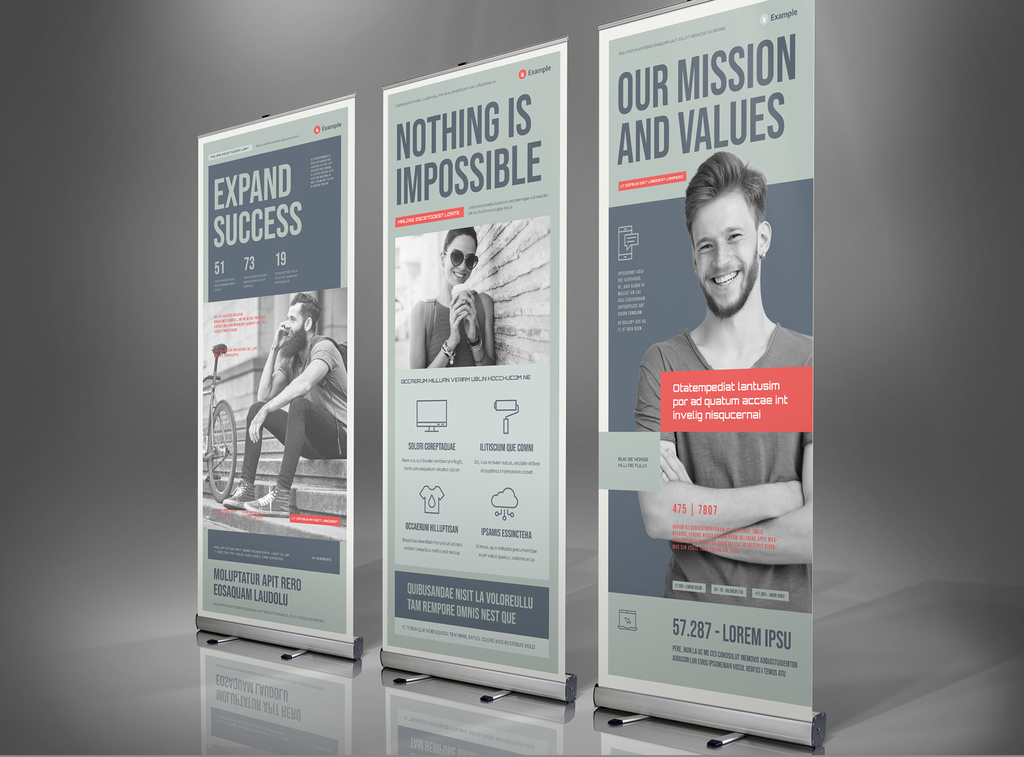
20. Roll-Up Banner Layout with Pale Blue and Gray Accents
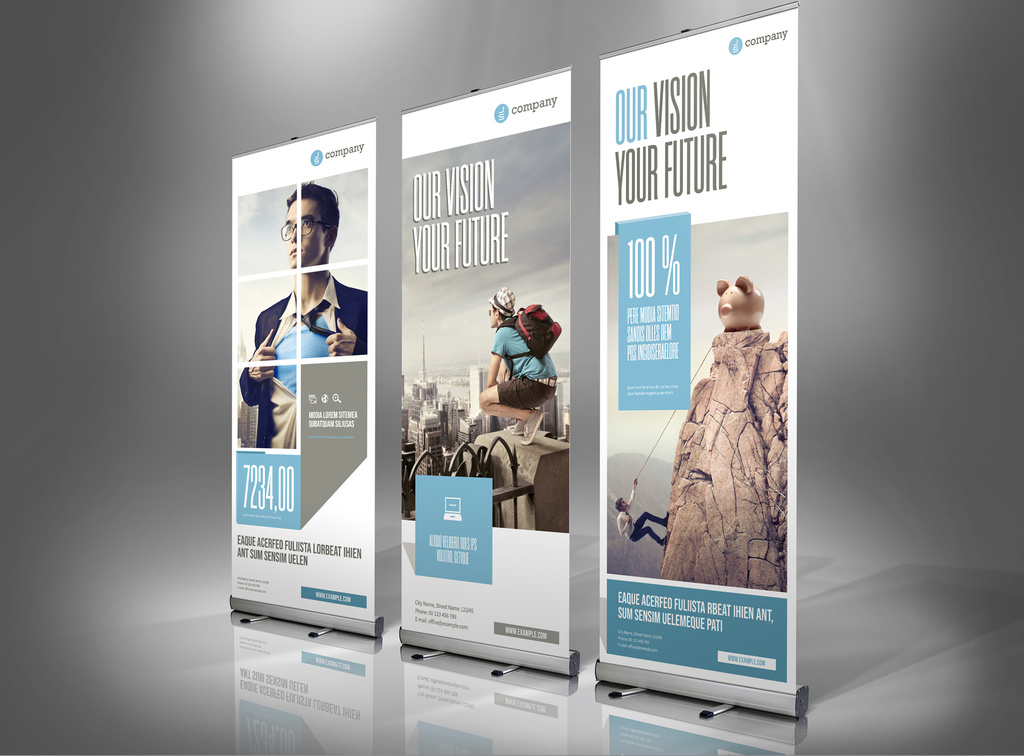
Final Thoughts for the Best InDesign Roll Up Banner Templates
Creating retractable banner designs from scratch is no easy feat. Adobe InDesign roll up banner templates help make that process a bit easier. With InDesign's advanced tools, you'll have no problem creating banners your clients love.
Even so, there are a few things to keep in mind for your roll up banners. For starters, there's logo placement. No matter the logo, it should always be at the top of your vertical banner.
Second, always use high-quality images for your roll up banners. After all, people are visual creatures. Images that are poor in quality can turn off onlookers and make your banner look less appealing.
Finally, keep a close eye on typography. If you plan on changing fonts, make those changes with legibility and aesthetics in mind.
Let our list of roll up banner templates serve as inspiration for your next projects. Don't forget to leave your comments, as well as any suggestions you might have for our upcoming lists.