 Adam McIntyre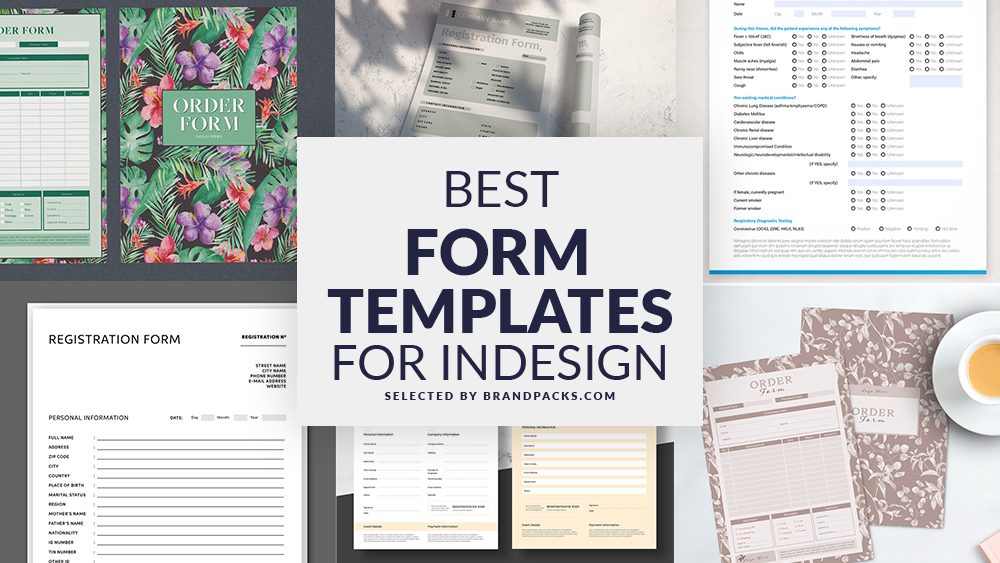
A lot of things might be obsolete in today's digital age, but forms certainly aren't. Businesses all over still rely on them for a variety of reasons. Whether it's for contact info, surveys, or queries, forms are still a valuable tool for any business.
Of course, your clients want forms that stand out rather than blend in. Our selection of InDesign form templates fits the bill with a range of compelling designs. Below, you'll find a variety of designs and layouts for almost any purpose.
As you'd expect, these forms are tailor-made for Adobe InDesign. So, fire it up, download a form template, and get started on your next project with ease.
Why Use Adobe InDesign for Forms?
When you're a designer with a deadline and demanding clients, saving time is a necessity. Creating a form completely from scratch isn't just time-consuming, but also tedious. What better way to save time and frustration than with a form template for Adobe InDesign?
Adobe InDesign makes it easier and faster to churn out forms with plenty of visual appeal. For starters, the basic structure is already set up for you. With pre-set margins, bleeds, and form fields, all the hard work is already done. All that's needed are a few tweaks to your liking before you print.
Dive into our curated list of the Best Form Templates for Adobe InDesign.
1. Interactive Form Layout with Red Header and Footer Elements
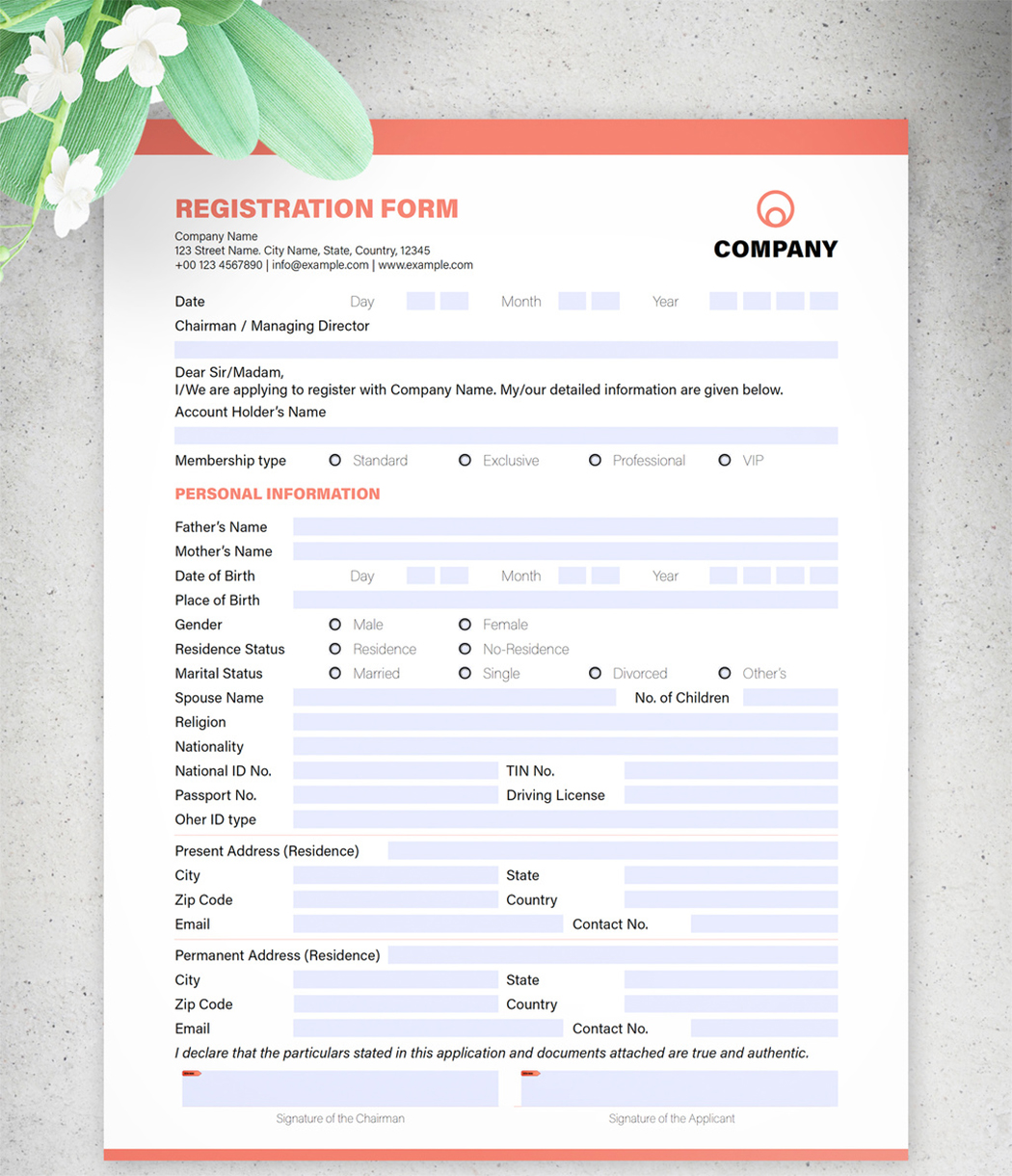
2. Registration Form Layout with Pale Orange Accents
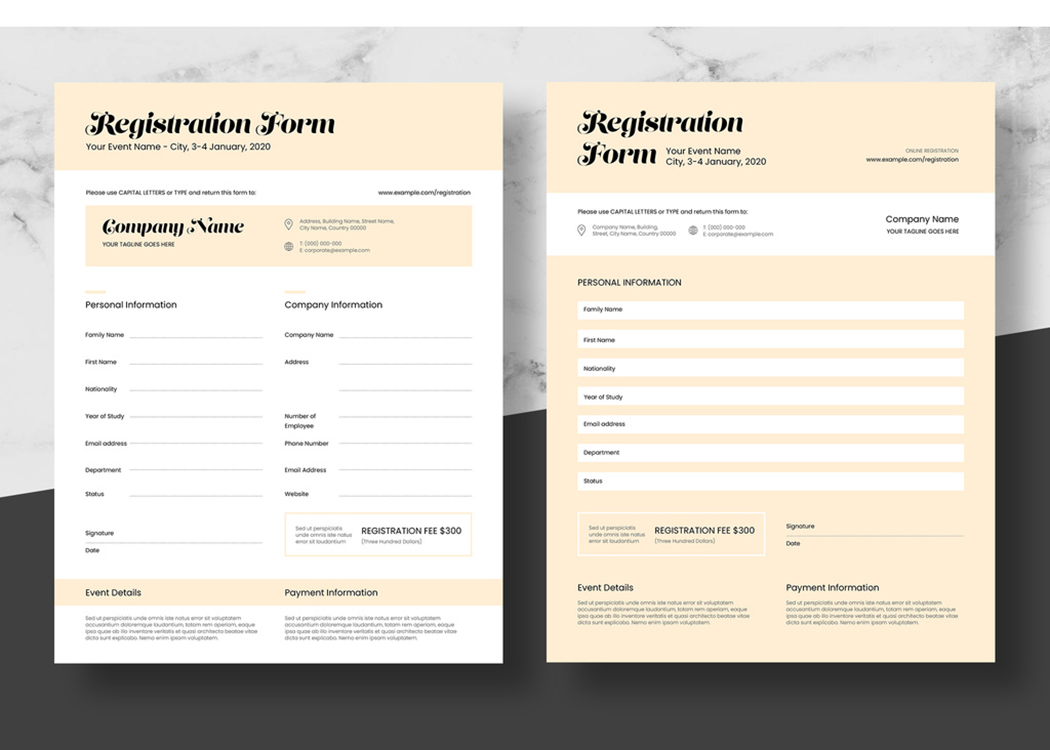
3. Registration Form Layout
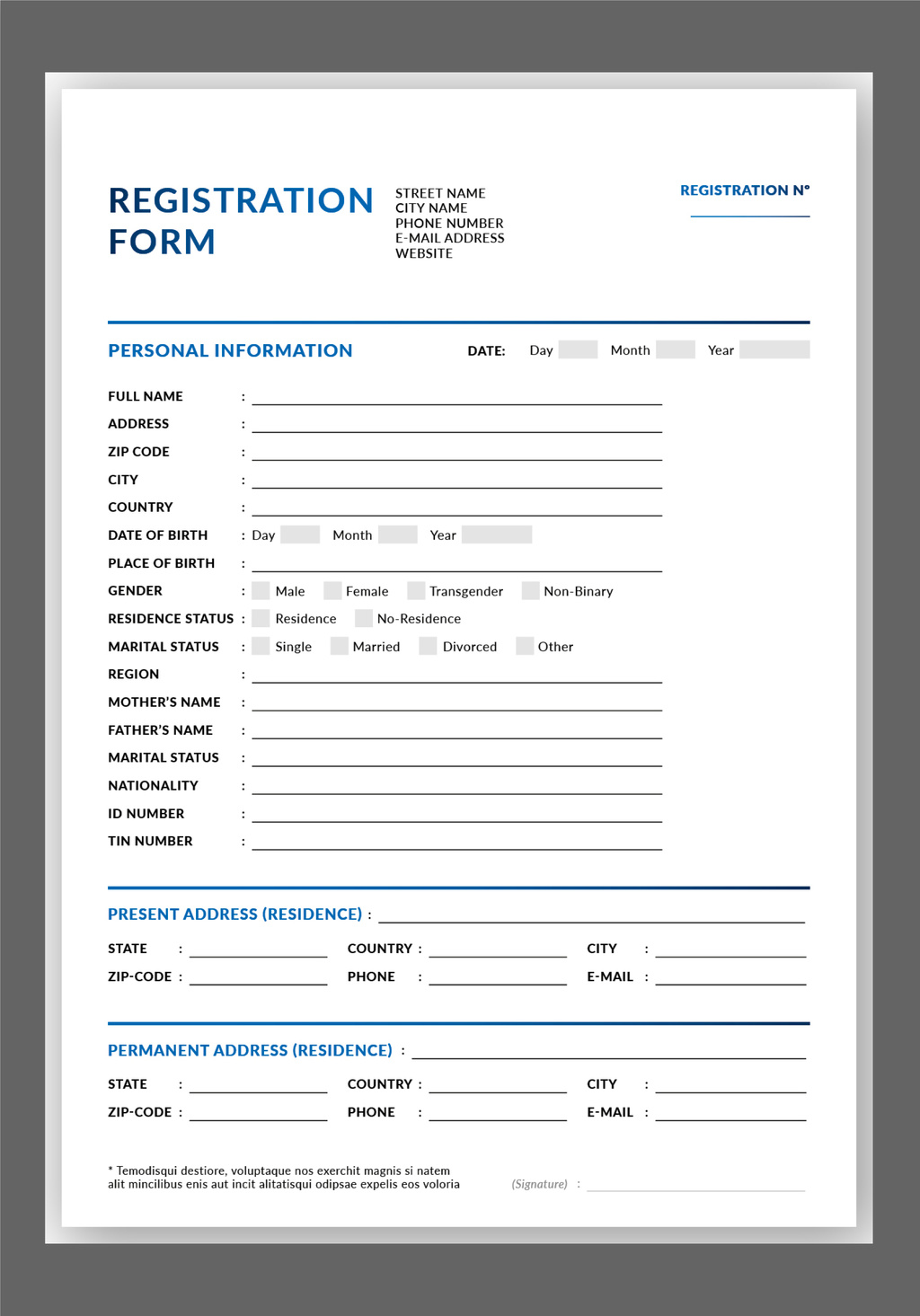
4. Registration Form Layout
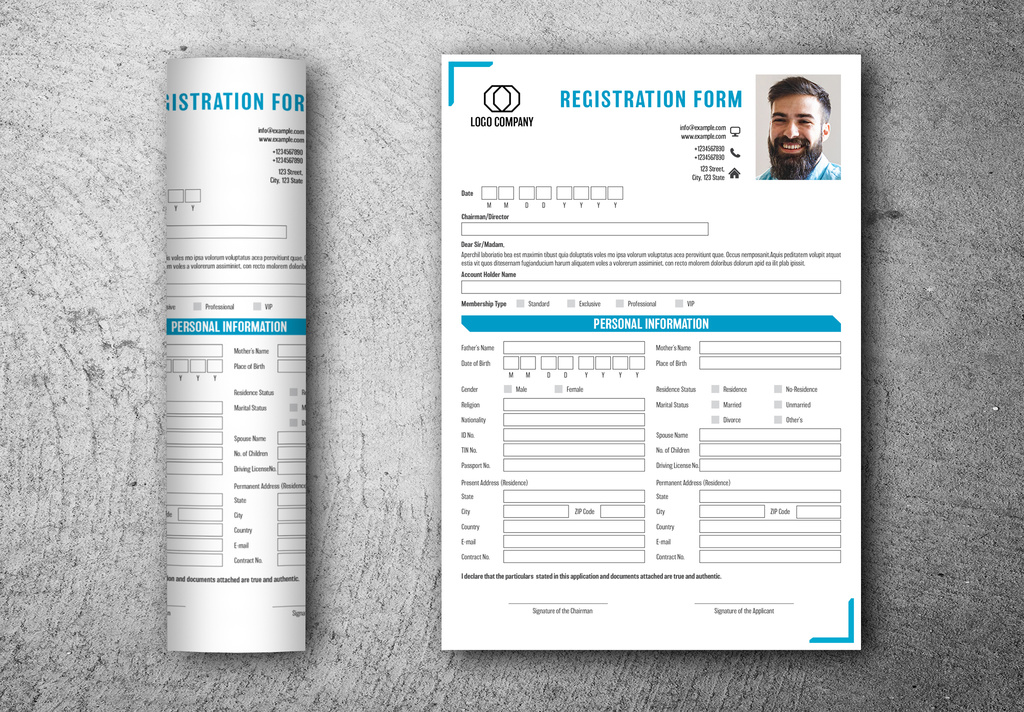
5. Green and Yellow Questionnaire Forms Layouts
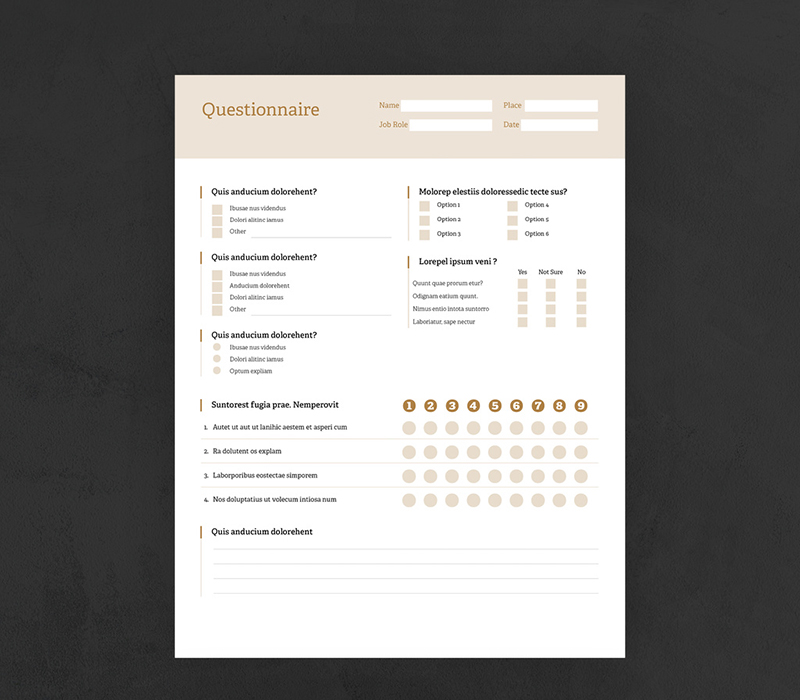
6. Registration Form Layout with Green Accents
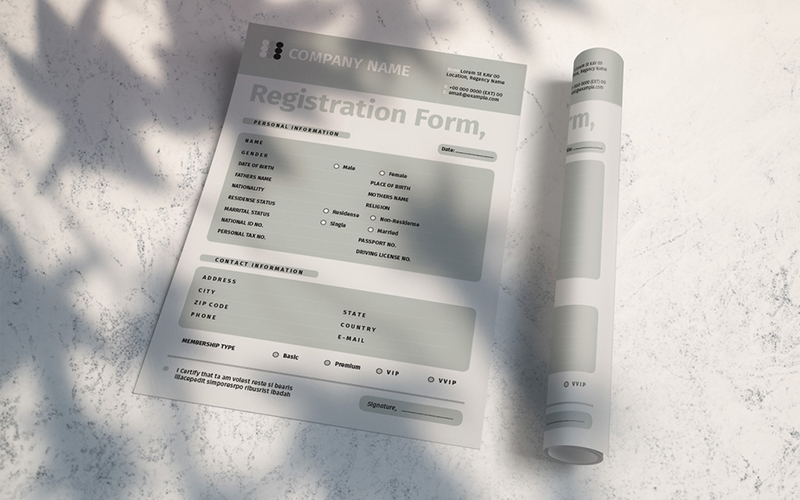
7. Interactive Medical Form Layout
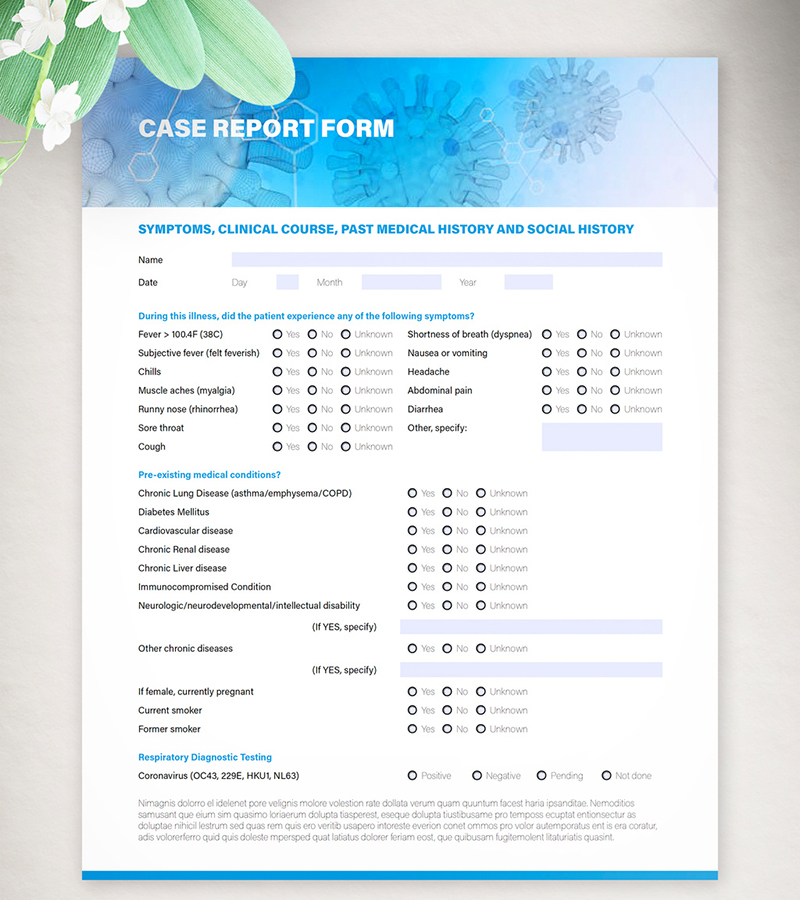
8. Interactive Form Layout with Red Header and Footer Elements
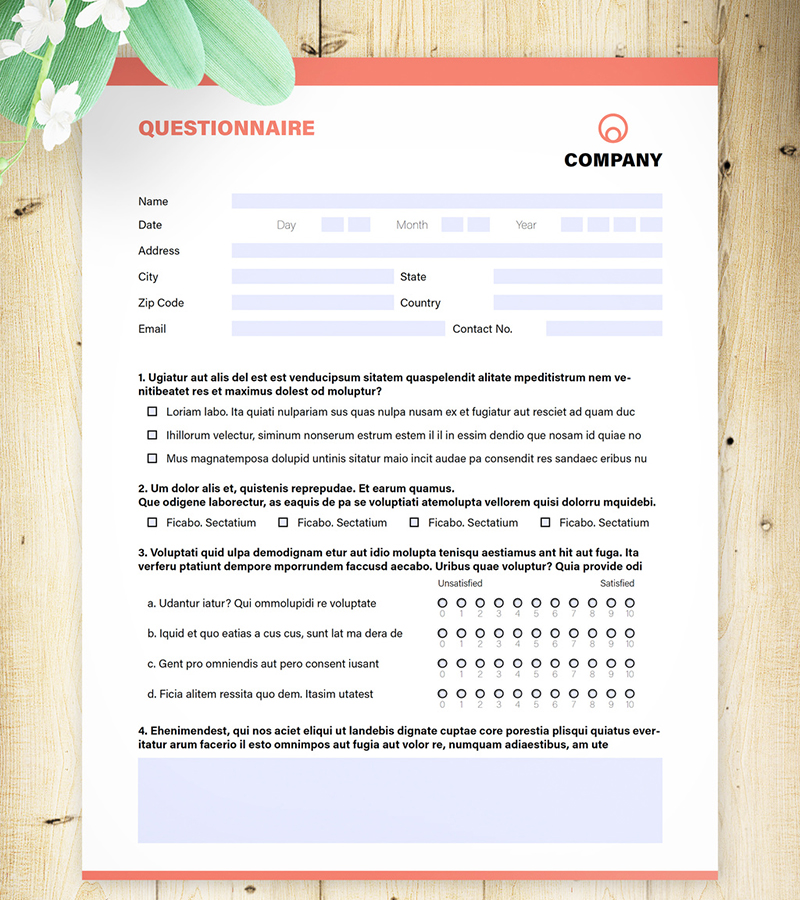
9. Registration Form
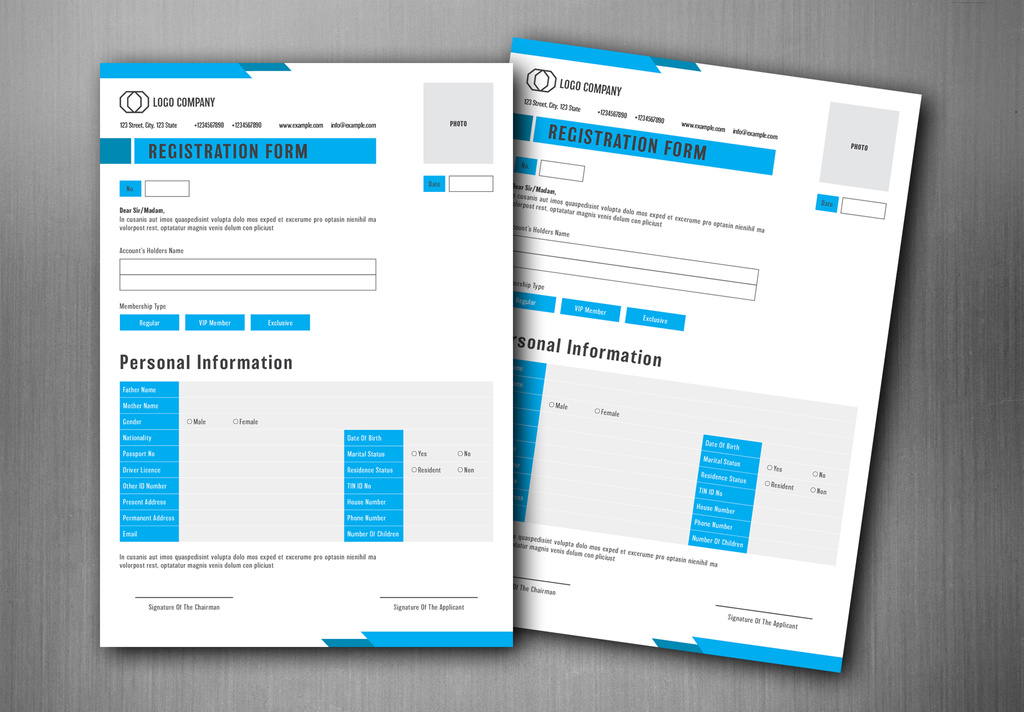
10. Registration Form Layout
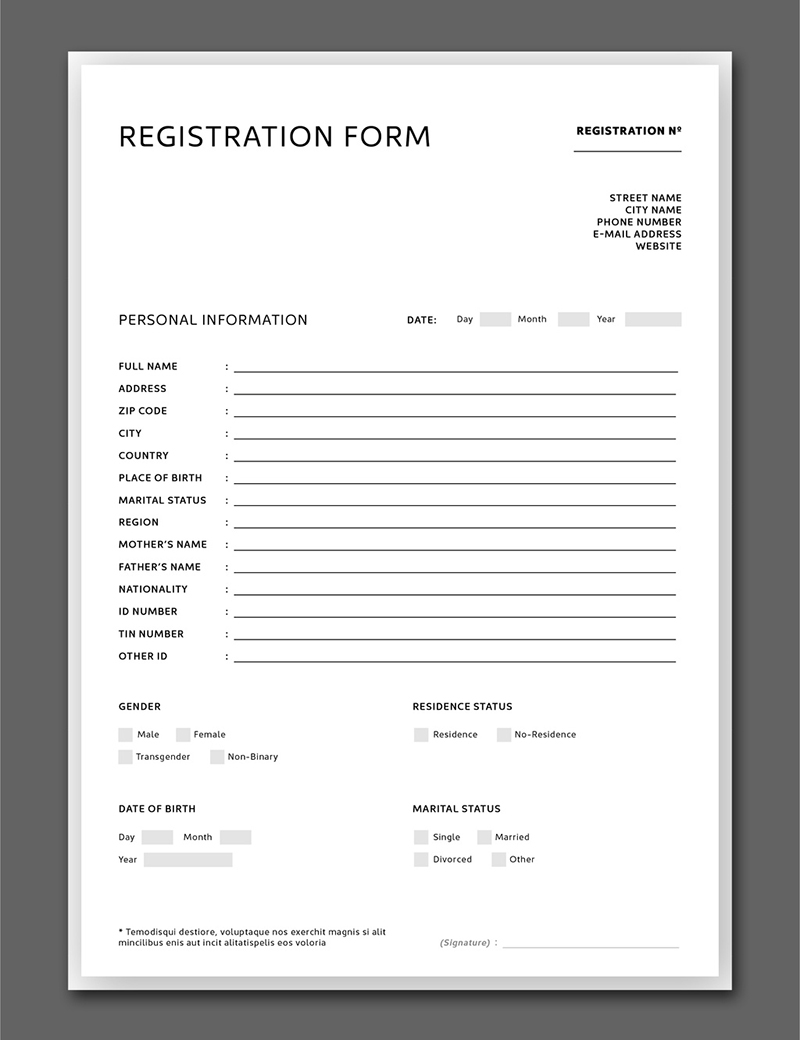
11. Minimal Style Nude Color Order Form
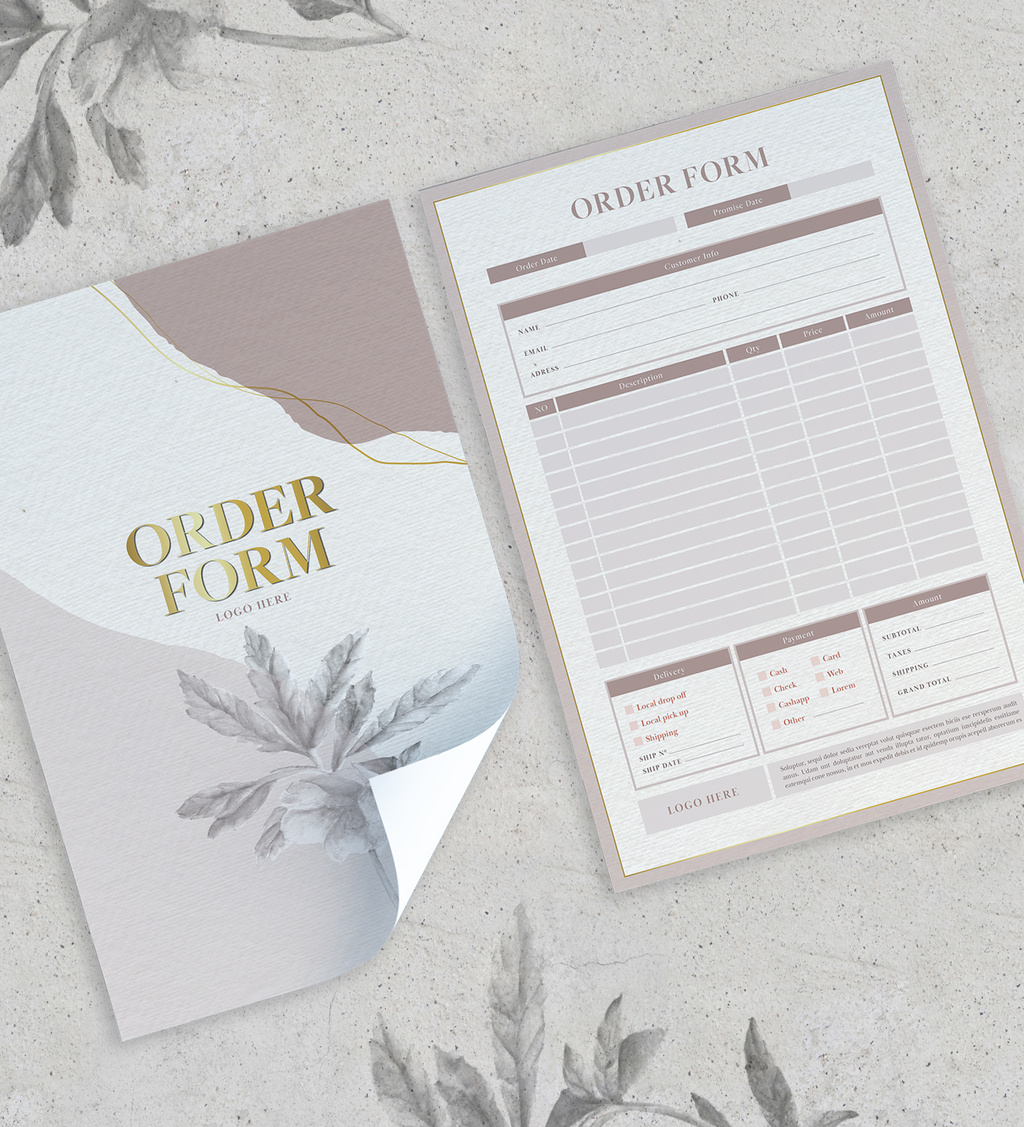
12. Registration Form Layout
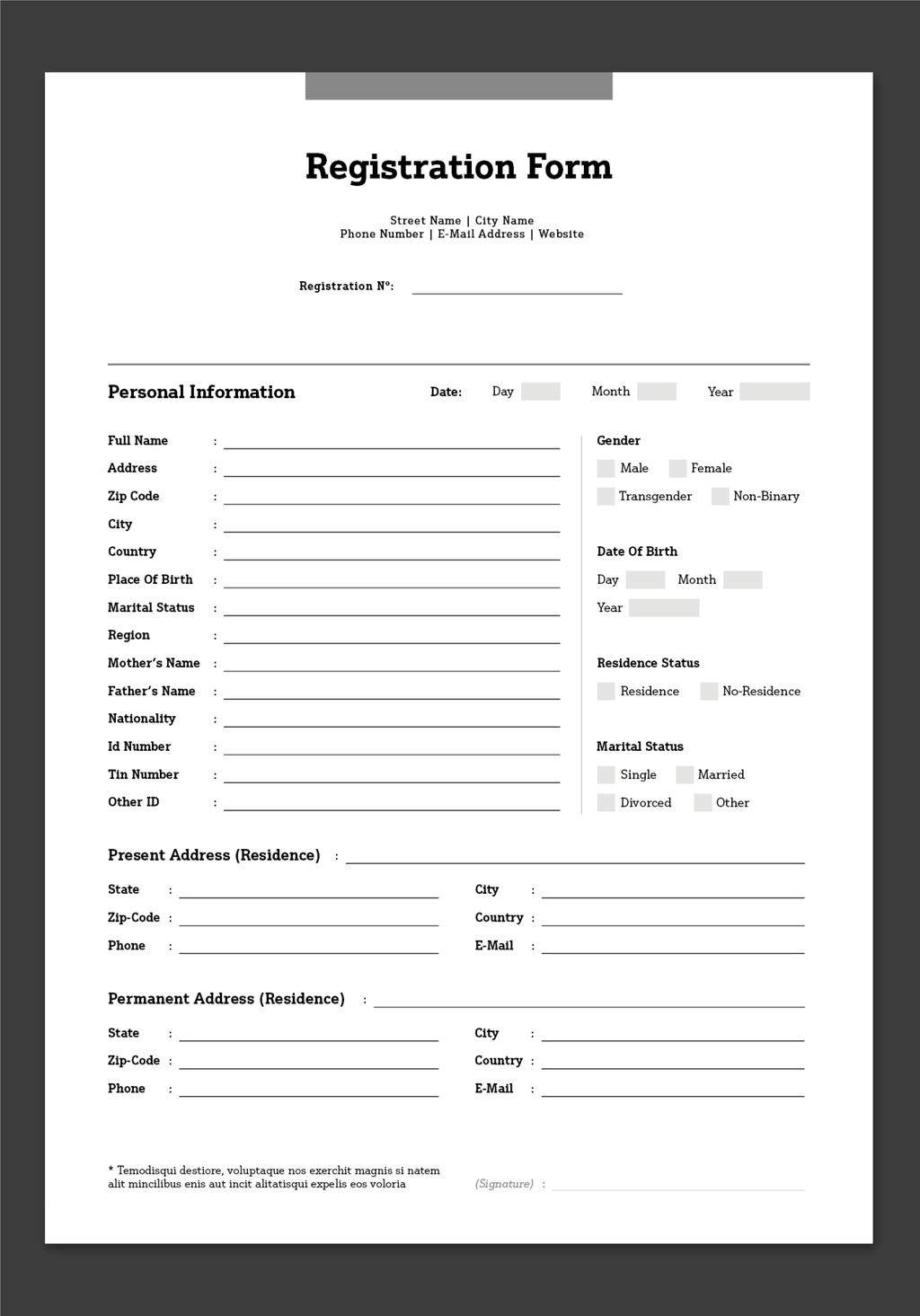
13. Registration Form Layout with Blue Accents
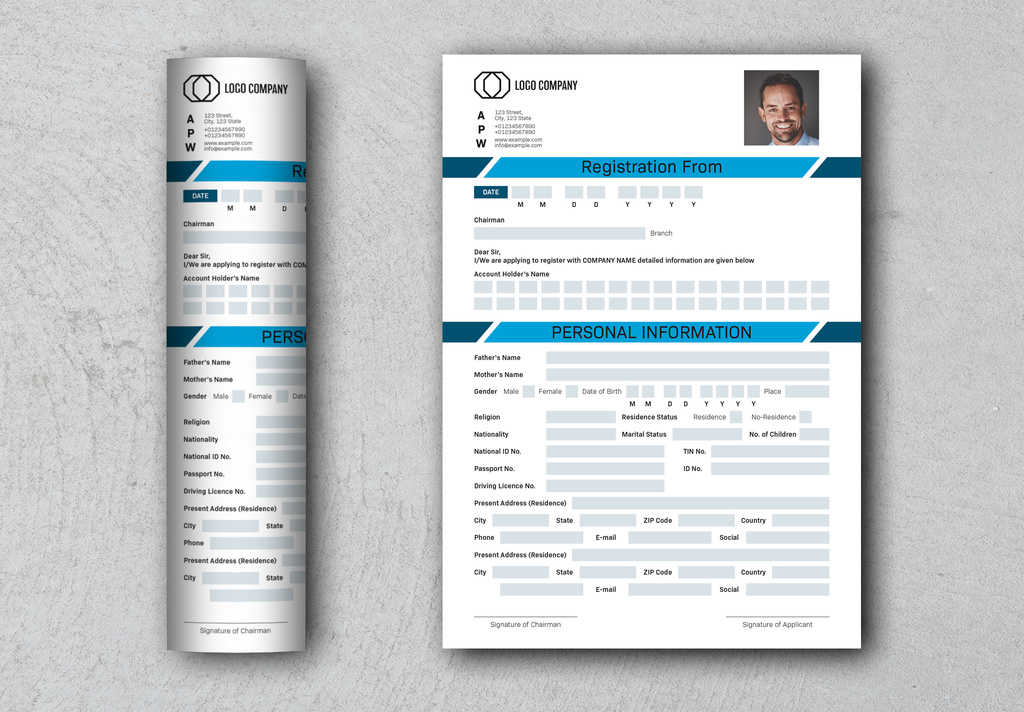
14. Minimal Watercolor Order Form
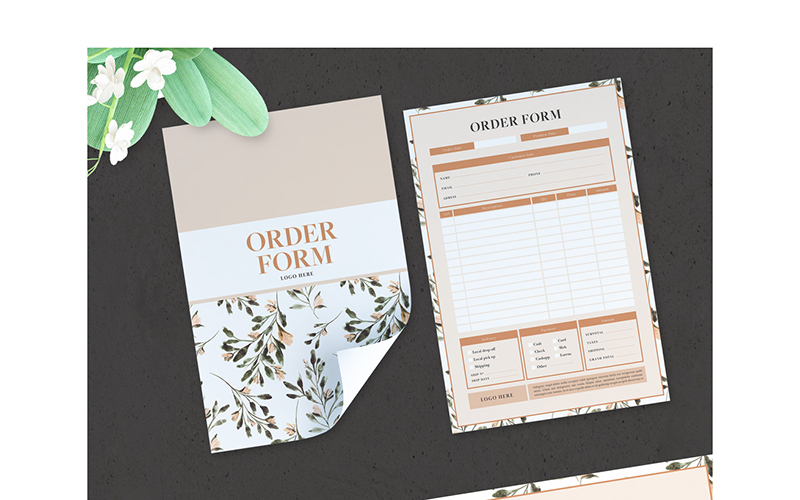
15. Tropical Style Order Form
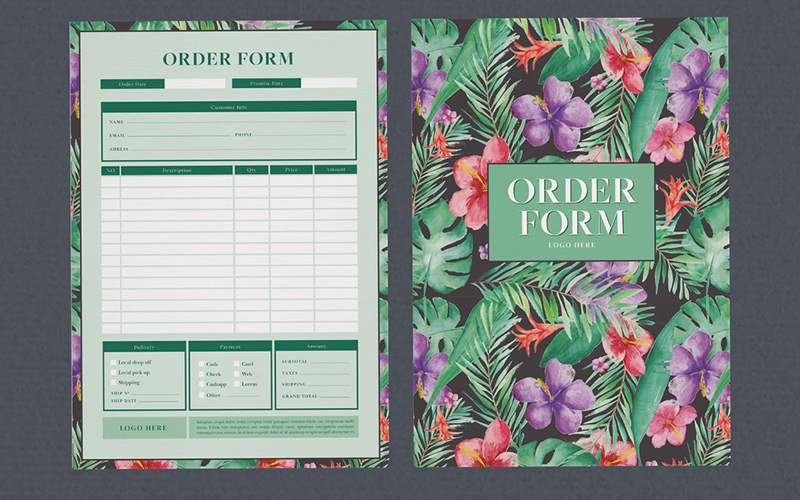
16. Customer Order Form
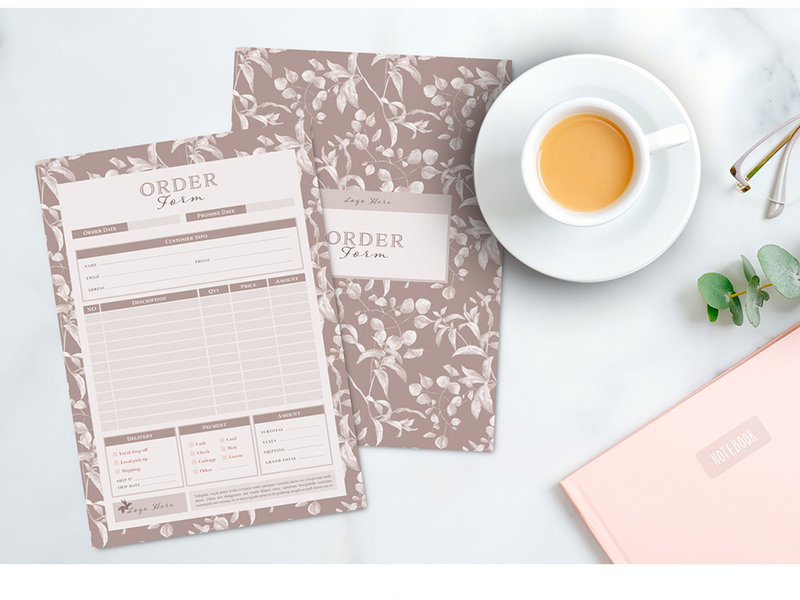
17. Registration Form Layout
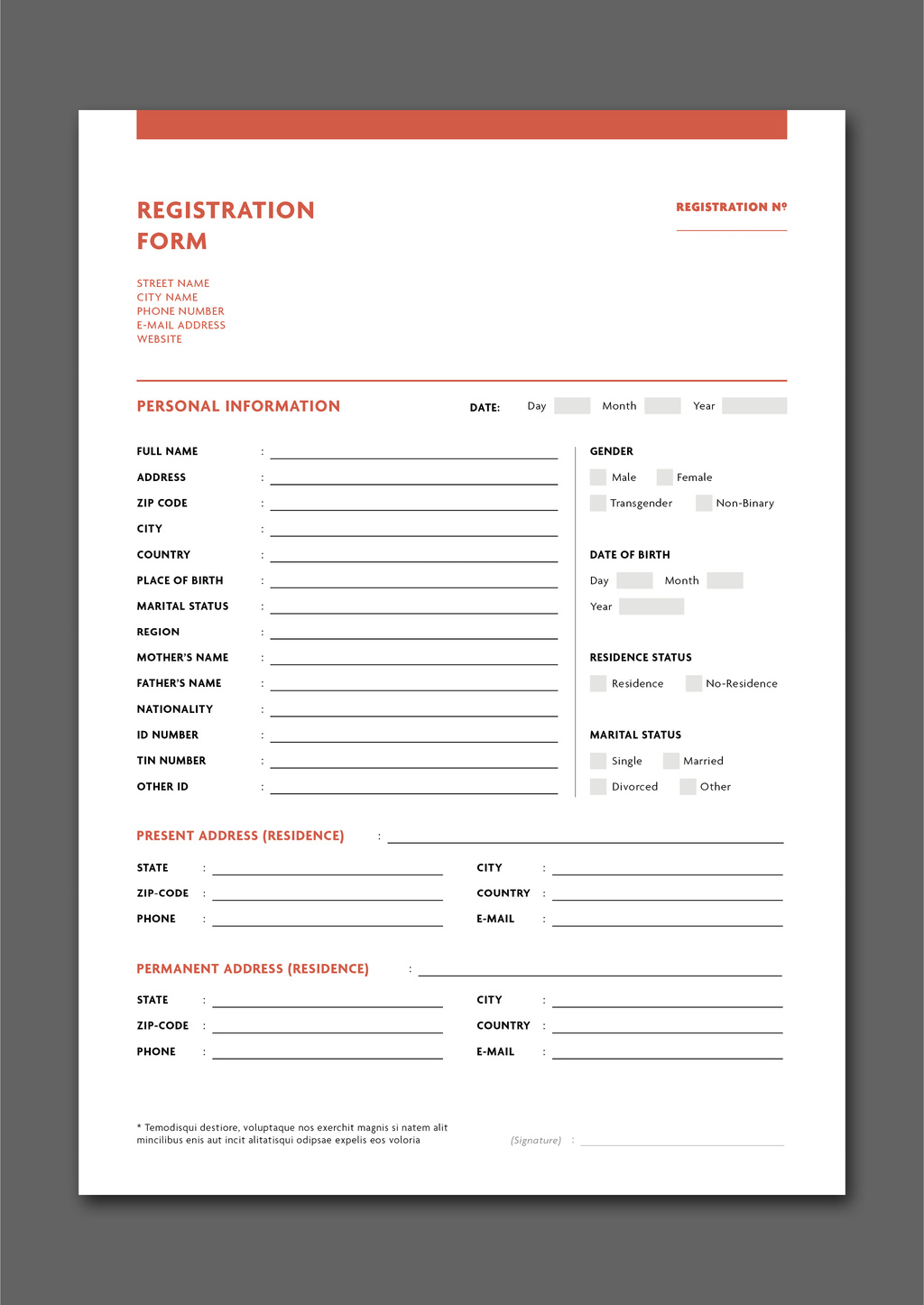
Final Thoughts: Best Form Templates For Adobe InDesign
The hardest part of any design project is starting one. With that said, Adobe InDesign templates make starting your projects easier than ever. Our list of attractive form templates makes those projects even easier to finish.
There are a few things to keep in mind when using our form templates. For example, simplicity is always a virtue. Removing unneeded fields can help simplify and shorten your forms. But, don't forget to include essential information such as addresses.
Also, keep logical sequencing in mind. Most of these forms already have it set up for U.S. audiences, for instance. In other parts of the world, though, the sequencing may be a bit different.
Take dates, for example. Most countries follow a month/day/year format, but others may follow a year/month/day format. Again, it all depends on the region of the world you're in.
Don't forget to preview your work when you're done. In InDesign, deselect your work and hit Shift + W on your keyboard. This will bring up InDesign's built-in previewer. Use this to check your work and to see if it needs a tweak or two.
Let us know what you think of our list of the best Adobe InDesign form templates. Drop a comment below or leave us a suggestion to add to our list. We're always on the hunt for gorgeous and practical templates.